Quick answer: Assistive technology for executive function helps students who struggle with planning, time, memory, starting tasks and staying organized. Common tools include visual timers, reminder and alarm apps, digital calendars and planners, task-breakdown checklists, note-taking apps with audio, and focus tools that limit distractions. Assistive technology for executive function works best when tools are simple, consistent across home and school, and taught step by step until the student uses them independently.
In this guide
Many students with ADHD, autism or learning disabilities know what to do but cannot get started, lose track of time or forget assignments. Assistive technology for executive function acts as an external brain: it holds the plan so the student can focus on the work.
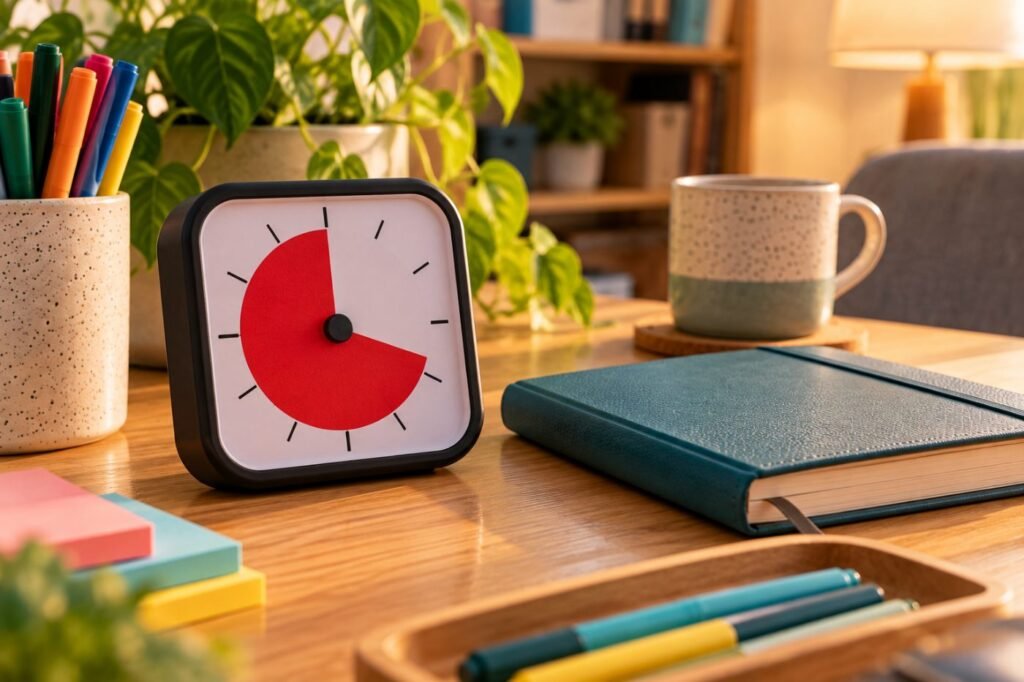
Matching Tools to Executive Function Skills
| Skill | Low-tech tools | High-tech tools |
|---|---|---|
| Time management | Sand timers, visual timers, analog clocks | Timer apps, smartwatch alerts |
| Task initiation | First-then boards, start checklists | Reminder apps, task apps with steps |
| Planning | Paper planners, color-coded calendars | Digital calendars, shared class calendars |
| Working memory | Sticky notes, written directions | Voice memos, note apps with audio recording |
| Organization | Color-coded folders, one binder system | Cloud folders, digital assignment trackers |
| Focus | Desk dividers, noise-reducing earmuffs | Focus modes, website blockers |
Reading Rockets lists information and data managers for calendars, schedules and task lists as key AT for organization and memory (Reading Rockets).
Key point: The best executive function tool is one the student actually checks. Fewer tools used daily beat many tools used rarely.
Assistive Technology for Executive Function by Age
| Age | Focus | Tools |
|---|---|---|
| 5 to 8 | Routines and transitions | Picture schedules, visual timers, first-then boards |
| 9 to 12 | Homework and materials | Checklists, one homework folder, alarm reminders |
| 13 to 15 | Multiple classes and deadlines | Digital planner, assignment tracker, phone reminders |
| 16+ | Independence | Calendar with alerts, project breakdown apps, note apps |
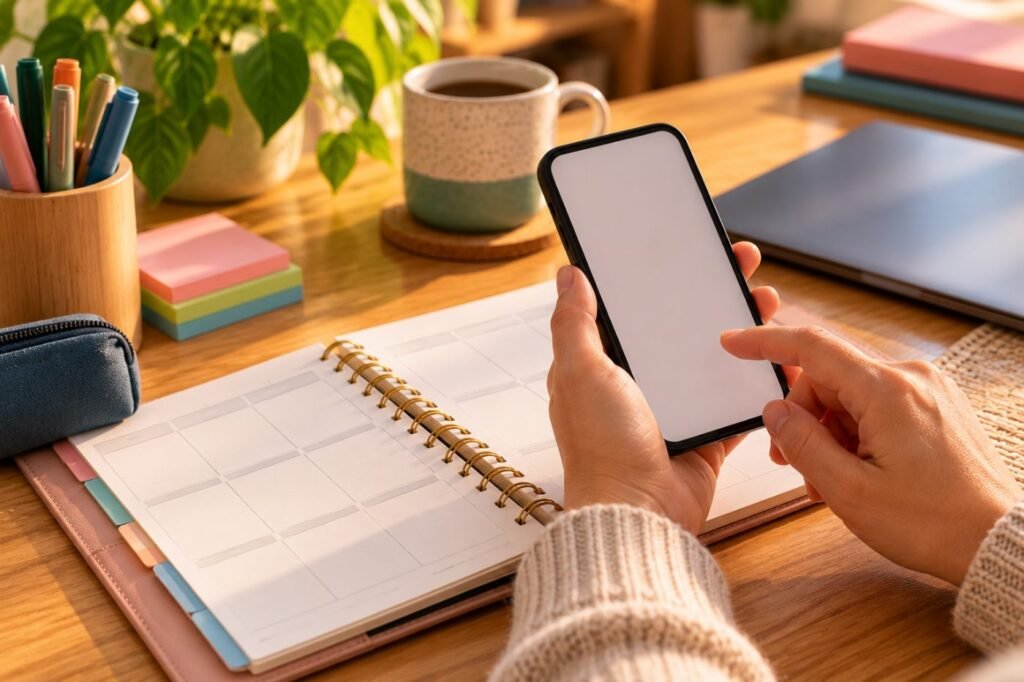
Building One Simple System
Capture, plan, remind, review
- Choose one planner (paper or digital), not several.
- Use the same system at home and school.
- Teach it with modeling and guided practice.
- Schedule a weekly 10-minute review with an adult, then fade.
- Pair with self-monitoring strategies.
Sample IEP goal
“By [date], [student] will record all assignments in a digital planner and set reminders for due dates, with 90% accuracy across 4 consecutive weeks, as measured by teacher checks.”

Real-Life Example
Case story
Mason, 14, has ADHD and missed half his assignments. His team set up one digital planner shared with his case manager, alarm reminders for starting homework and a checklist template for long projects. A weekly check-in reviewed the plan. Within two months, missing assignments dropped from 12 to 2, and the check-ins moved to every two weeks.
Learn more: See executive function accommodations and ADHD time blindness.
Assistive Technology for Executive Function FAQ
What is assistive technology for executive function?
Tools that support planning, time, memory, task initiation and organization.
Are phones helpful or distracting?
Both. Use focus modes and only the apps that support the plan.
Paper or digital planner?
Whichever the student will use consistently; some use both.
Can executive function AT be in the IEP?
Yes, as accommodations, goals or supplementary aids.
How do we fade adult support?
Reduce check-ins gradually as the student shows consistent use.
In short: Assistive technology for executive function gives students an external brain. Keep one simple system, teach it and fade support. This article is part of our Assistive Technology series.
Was this article helpful?
Tap a star to rate
Sources
- Reading Rockets. Assistive Technology for Kids with Learning Disabilities
- OSEP and OET (2024). Assistive Technology Under the IDEA
- OSEP and OET (2024). Dear Colleague Letter on Assistive Technology
This article is educational and does not replace professional advice.