Quick answer: Assistive technology for reading helps students with dyslexia, low vision, ADHD or other disabilities access text they cannot easily read on their own. The main tools are text-to-speech (software that reads text aloud), audiobooks and accessible ebooks, reading pens that scan and speak words, and reading supports like line focus, spacing and syllable display. Free options include built-in device read-aloud and Microsoft Immersive Reader, and Bookshare is free for U.S. students with qualifying disabilities. Assistive technology for reading gives access to grade-level content while reading skills keep being taught.
In this guide
A seventh grader with dyslexia may understand science concepts perfectly but spend an hour decoding one page. Assistive technology for reading separates decoding from understanding, so the student can learn the content while still working on reading skills.
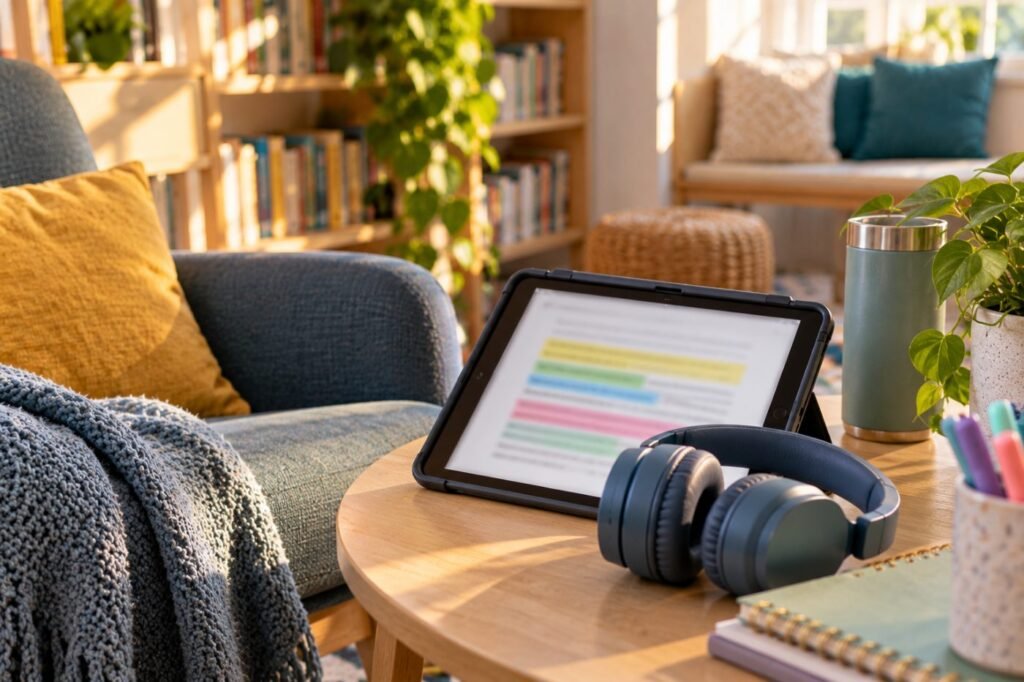
Types of Assistive Technology for Reading
| Tool | What it does | Examples |
|---|---|---|
| Text-to-speech | Reads digital text aloud with highlighting | Built-in read-aloud, Immersive Reader, browser extensions |
| Audiobooks and accessible ebooks | Human or synthetic narration of books | Bookshare, Learning Ally, library apps |
| Optical character recognition (OCR) | Turns printed pages into readable digital text | Scanning apps, reading pens |
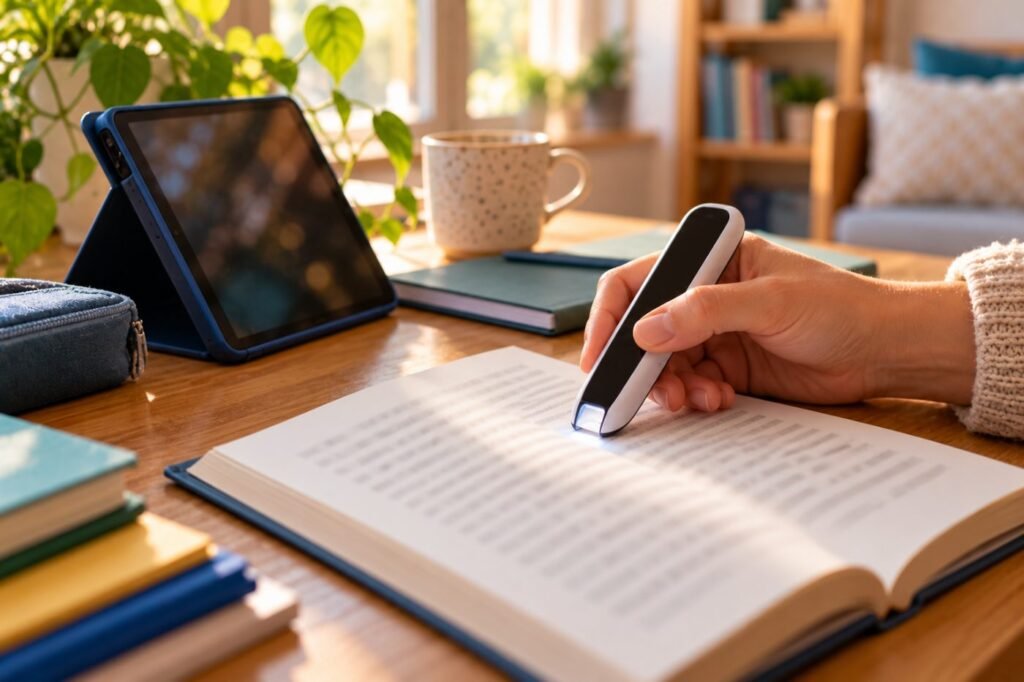
| Reading pens | Scans a line or word and reads it aloud | Handheld scanning pens |
| Visual reading supports | Line focus, spacing, fonts, syllables | Immersive Reader, e-reader settings |
Microsoft describes Immersive Reader as free and built into Word, OneNote, Teams and the Edge browser, with read-aloud, translation and decoding supports (Microsoft Learn). Bookshare is free for U.S. students with a qualifying disability and offers over one million titles (Bookshare).
Key point: Assistive technology for reading does not replace reading instruction. It gives access to content while instruction continues.
Access vs Instruction
Two jobs, two plans
Choosing Assistive Technology for Reading by Need
| Student need | Best starting tools |
|---|---|
| Dyslexia, slow decoding | Text-to-speech with word highlighting, audiobooks |
| Losing place on the line | Line focus, reading guide strip |
| Low vision | Enlarged text, high contrast, screen reader; see visual impairment |
| Attention difficulties | Read-aloud with highlighting, short sections, bookmarks |
| Printed worksheets | OCR scanning apps or reading pens |
Teaching Students to Use Reading AT
- Model the tool step by step with a short text.
- Let the student adjust voice, speed and colors.
- Practice on real class materials, not only demos.
- Teach active listening: pause, summarize, take notes.
- Check that tests and digital textbooks are compatible.
Student script
“I use text-to-speech for long readings. Could you share the chapter as a digital file so my device can read it aloud?”

Real-Life Example
Case story
Lucas, 13, has dyslexia and was failing social studies. His IEP added text-to-speech for all content reading and access to accessible ebooks. He listened while following the highlighted text and took notes in a graphic organizer. His grade rose from a D to a B, while his reading intervention continued daily.
Pair it: Reading tools work well with assistive technology for writing, so students can respond as easily as they read.
Assistive Technology for Reading FAQ
What is the best assistive technology for reading?
Text-to-speech with word highlighting is the most widely useful starting point.
Does text-to-speech stop students from learning to read?
No, when reading instruction continues separately.
Is Bookshare free?
Yes, for U.S. students with qualifying disabilities.
Can text-to-speech be used on tests?
Often yes, except when the test measures decoding; check state testing rules.
What is a reading pen?
A handheld scanner that reads printed words aloud.
In short: Assistive technology for reading opens grade-level content to every learner. Use it for access, keep teaching reading and train students to use it well. This article is part of our Assistive Technology series.
Was this article helpful?
Tap a star to rate
Sources
- Microsoft Learn. Immersive Reader for educators
- Bookshare. Ebook Library for Readers with Disabilities
- Reading Rockets. Assistive Technology for Kids with Learning Disabilities
This article is educational and does not replace professional advice.