Quick answer: Assistive technology for writing helps students who struggle with handwriting, spelling or organizing ideas get their thoughts onto the page. The main tools are speech-to-text (dictation), word prediction, spelling and grammar checkers, keyboards and typing, digital graphic organizers and, for younger students, adapted pencils and paper. Assistive technology for writing is especially helpful for dysgraphia, dyslexia, developmental coordination disorder and physical disabilities, because it lets students show their ideas without being limited by the mechanics of writing.
In this guide
Writing asks a student to do many things at once: think of ideas, organize them, spell, form letters and remember punctuation. When one of these is very hard, the whole process collapses. Assistive technology for writing removes the bottleneck so students can focus on ideas.

Tools for Each Step of Writing
Support at every stage
Reading Rockets lists speech recognition and proofreading programs among the main AT tools for writing (Reading Rockets).
Key point: Listening back to their own writing with text-to-speech helps many students catch errors they cannot see.
Speech-to-Text vs Word Prediction
| Speech-to-text | Word prediction | |
|---|---|---|
| How it works | Student speaks; words appear | Student types a few letters; software suggests words |
| Best for | Strong oral language, slow or painful handwriting | Spelling difficulties, slow typing, quieter settings |
| Challenges | Noise, punctuation commands, privacy | Needs some letter knowledge |
| Where to find | Built into most phones, tablets and computers | Built-in keyboards and dedicated programs |

Assistive Technology for Writing by Age
| Age | Tools |
|---|---|
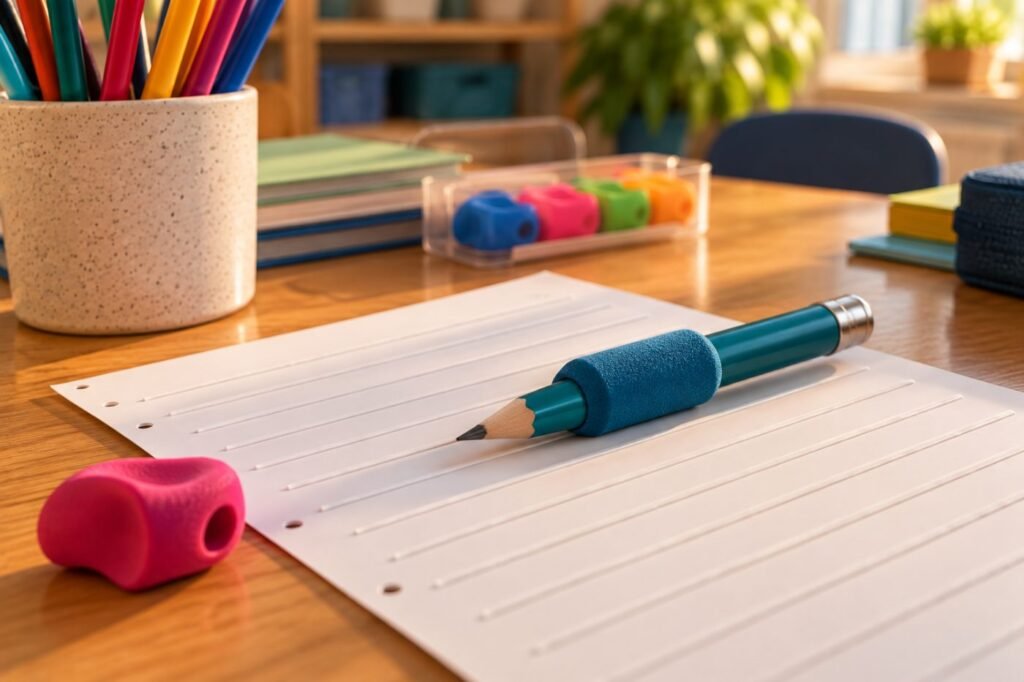
| 5 to 8 | Pencil grips, raised-line paper, picture word banks, scribe |
| 9 to 12 | Typing lessons, word prediction, speech-to-text for longer tasks |
| 13 to 18 | Dictation, grammar tools, digital organizers, note-taking apps |
For students with dysgraphia or developmental coordination disorder, keyboarding often unlocks writing.
Making Dictation Work
- Plan first with a graphic organizer, then dictate one section at a time.
- Teach voice commands: “period,” “comma,” “new paragraph.”
- Provide a quieter space or a headset microphone.
- Have the student listen back and edit.
- Practice weekly so it becomes fast and natural.
Sample IEP goal
“By [date], using speech-to-text and a digital graphic organizer, [student] will produce a 3-paragraph response with a topic sentence and two supporting details in 4 of 5 writing tasks.”
Real-Life Example
Case story
Sam, 11, has dysgraphia and told rich stories orally but wrote only three or four words. With a digital graphic organizer and speech-to-text, he wrote a full page in his first week. His teacher had him read his story back with text-to-speech to fix errors. His confidence and grades improved, and he joined the school newsletter.
Remember: Using assistive technology for writing is not cheating. It changes how ideas reach the page, not the thinking. See also assistive technology for reading.
Assistive Technology for Writing FAQ
What is the best assistive technology for writing?
It depends on the need: speech-to-text for handwriting difficulty, word prediction for spelling.
Is speech-to-text free?
Yes, most phones, tablets and computers include it.
Should students still practice handwriting?
Often yes, for short tasks, while AT is used for longer writing.
At what age can students learn to type?
Many start keyboarding around 7 to 9 years old.
Can assistive technology for writing be used on tests?
Often yes, if it is in the IEP or 504 plan and allowed by testing rules.
In short: Assistive technology for writing lets students show their ideas. Match tools to the bottleneck and teach them step by step. This article is part of our Assistive Technology series.
Was this article helpful?
Tap a star to rate
Sources
- Reading Rockets. Assistive Technology for Kids with Learning Disabilities
- Microsoft Learn. Immersive Reader for educators
- OSEP and OET (2024). Assistive Technology Under the IDEA
This article is educational and does not replace professional advice.