Quick answer: Many free assistive technology tools are already built into the devices students use. Free options include built-in text-to-speech and screen readers, voice typing (speech-to-text), Microsoft Immersive Reader, magnification and high-contrast settings, captions, focus modes, timers and reminders, and free accessible ebooks through Bookshare for U.S. students with qualifying disabilities. State Assistive Technology Act programs also lend devices for free trials. Free assistive technology tools are a great place to start before buying anything.
In this guide
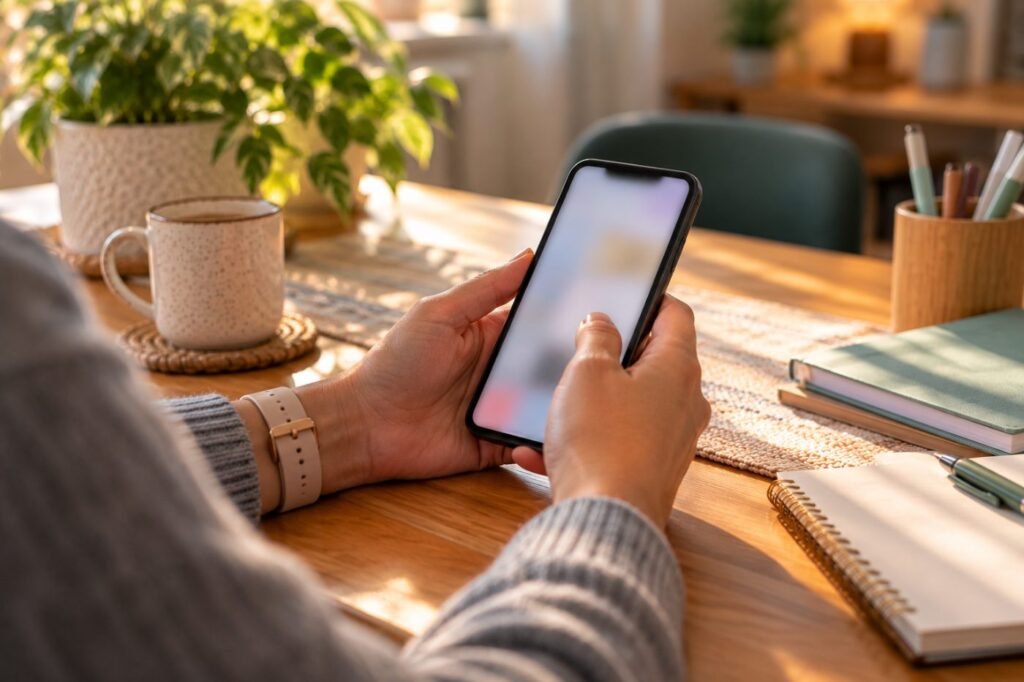
Families and teachers often assume assistive technology means expensive software. In reality, most phones, tablets, Chromebooks and computers include powerful accessibility features at no cost. Knowing where they are can change a student’s day immediately.

Built-In Accessibility Features
| Feature | What it does | Where to find it |
|---|---|---|
| Read aloud / text-to-speech | Reads text on screen | Accessibility settings on all major devices and browsers |
| Voice typing | Turns speech into text | Keyboard microphone, document apps |
| Screen reader | Reads everything on screen for blind users | Built into major operating systems |
| Magnifier and zoom | Enlarges content | Accessibility settings |
| Live captions | Captions audio and video | Device and video settings |
| Focus modes | Silence distractions | Phone and computer settings |
Key point: Check device accessibility settings first. Free assistive technology tools are often already installed.
Free Assistive Technology Tools by Need
| Need | Free tools |
|---|---|
| Reading | Immersive Reader, built-in read aloud, Bookshare (qualifying students), public library audiobooks |
| Writing | Voice typing, built-in spelling and grammar check, word prediction on device keyboards |
| Organization | Built-in calendars, reminders, timers, alarms |
| Hearing | Live captions, transcription features |
| Vision | Magnifier, high contrast, screen readers, dark mode |
| Focus | Focus modes, reading view in browsers |
Immersive Reader is free and built into Word, OneNote, Teams and the Edge browser (Microsoft Learn). Bookshare is free for U.S. students with a qualifying disability (Bookshare).
Free Programs and Device Loans
Try before you buy
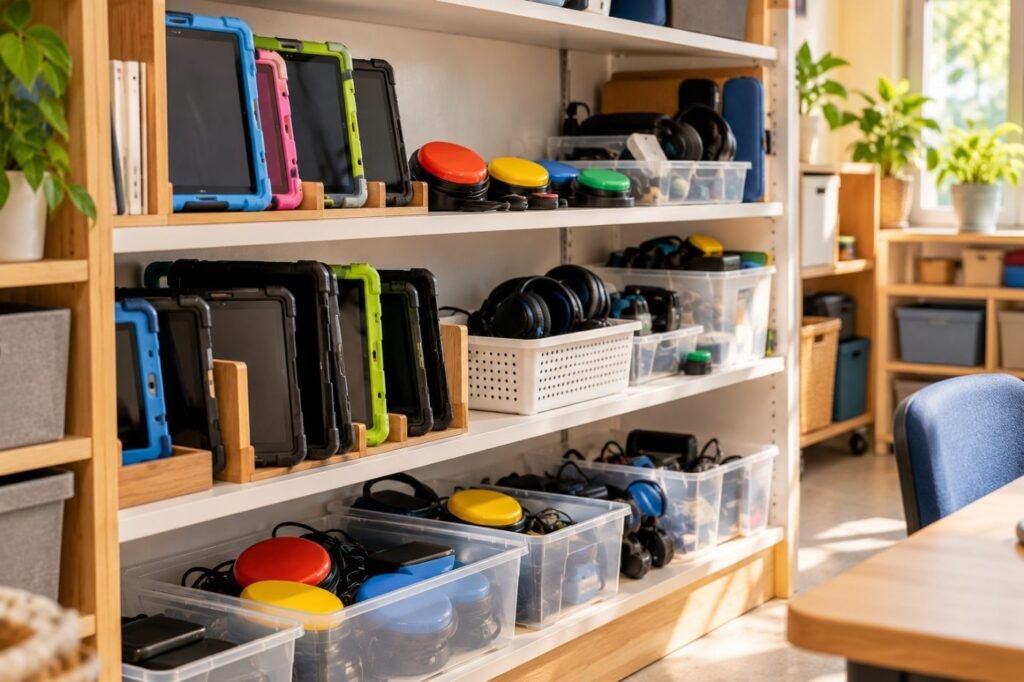
Every state has an Assistive Technology Act program offering loan, demonstration and reuse services; the AT3 Center keeps a directory (NTAC).
Setting Them Up
- Open accessibility settings with the student and explore together.
- Adjust voice speed, text size and colors to the student’s preference.
- Create shortcuts so tools start with one tap.
- Use the same tools at school and home.
- Write the features into the IEP or 504 plan so they are allowed in class and on tests.
Parent note to teacher
“At home, Ava uses the built-in read-aloud and voice typing on her Chromebook. Could she use the same features for classwork? It would keep things consistent.”
Real-Life Example
Case story
Daniel, 10, has dyslexia. His family could not afford paid software. His teacher showed him the built-in read-aloud on his school laptop, set up Immersive Reader and registered him for Bookshare. Within a month, Daniel was reading the same novels as his class through audio with highlighted text, at no cost.
Related: Read assistive technology for reading and assistive technology funding.
Free Assistive Technology Tools FAQ
What free assistive technology tools are available?
Built-in read aloud, voice typing, magnifiers, captions, Immersive Reader and Bookshare for qualifying students.
Is Immersive Reader free?
Yes, it is built into several Microsoft apps and the Edge browser.
Can we borrow devices for free?
Yes, through your state Assistive Technology Act program.
Are free tools as good as paid ones?
For many students, yes; paid tools add advanced features for complex needs.
Should free tools be in the IEP?
Yes, so their use is guaranteed in class and on tests.
In short: Free assistive technology tools are powerful and already within reach. Explore built-in features, use free programs and write them into the plan. This article is part of our Assistive Technology series.
Was this article helpful?
Tap a star to rate
Sources
- Microsoft Learn. Immersive Reader
- Bookshare. Ebook Library for Readers with Disabilities
- NTAC. Assistive Technology Act Programs
This article is educational and does not replace professional advice.