Quick answer: Assistive technology for ADHD helps with the daily challenges of attention, time, memory and starting tasks. Useful tools include visual timers and time-tracking apps, reminder and alarm systems, digital planners, focus tools that block distractions, noise-reducing headphones, text-to-speech to stay engaged with long readings, speech-to-text for faster writing and fidget or movement tools. Assistive technology for ADHD works best when it is simple, used at the same times every day and paired with routines.
In this guide
Students with ADHD often know exactly what they should do. The challenge is doing it at the right time, for long enough, without getting lost along the way. Assistive technology for ADHD turns invisible time and fleeting memory into something visible and reliable.
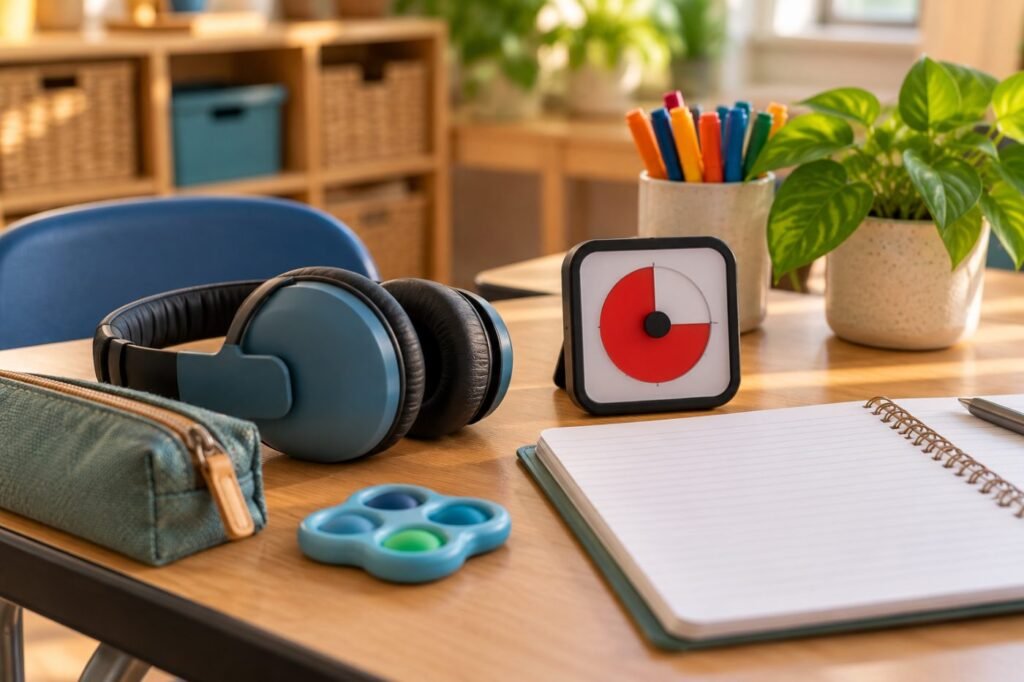
ADHD Challenges and Matching Tools
| Challenge | Tools that help |
|---|---|
| Time blindness | Visual timers, countdown clocks, smartwatch vibrations |
| Forgetting tasks | Reminder apps, alarms, digital to-do lists |
| Getting started | Task breakdown apps, short focus timers (work and break cycles) |
| Distraction | Website blockers, focus modes, noise-reducing headphones |
| Long readings | Text-to-speech with highlighting |
| Slow writing | Speech-to-text, word prediction |
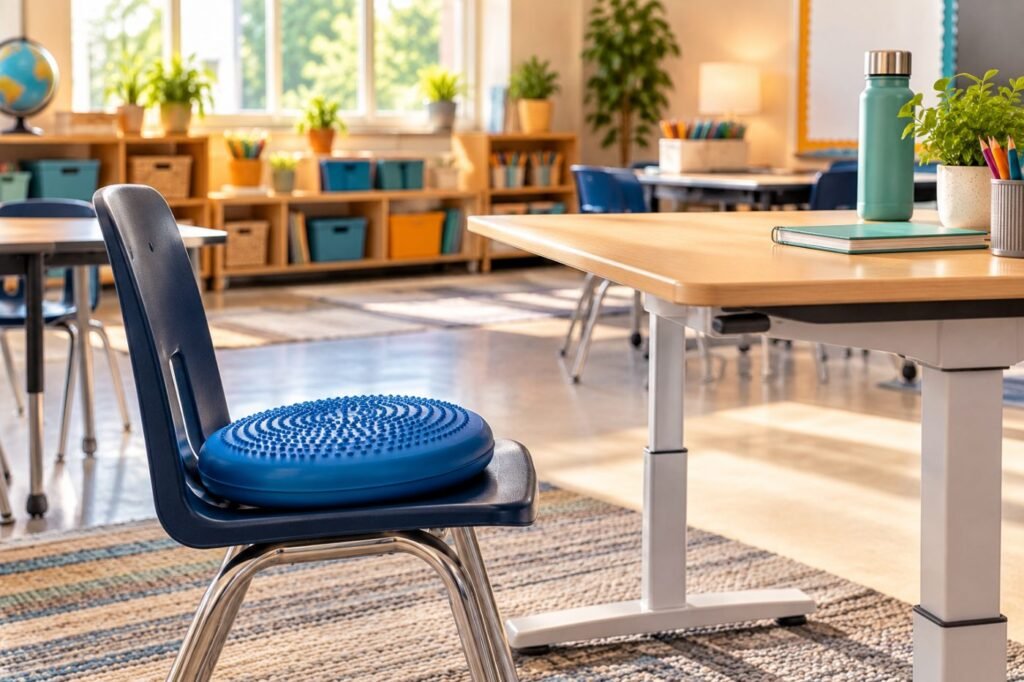
| Restlessness | Fidget tools, wobble seats, standing desks |
The 2024 federal guidance gives text-to-speech, word prediction and visual timers as examples of AT for a variety of disabilities (OSEP Dear Colleague letter, 2024).
Key point: Assistive technology for ADHD is about making time and tasks visible. See ADHD time blindness.
Assistive Technology for ADHD at School
A school day with ADHD tools
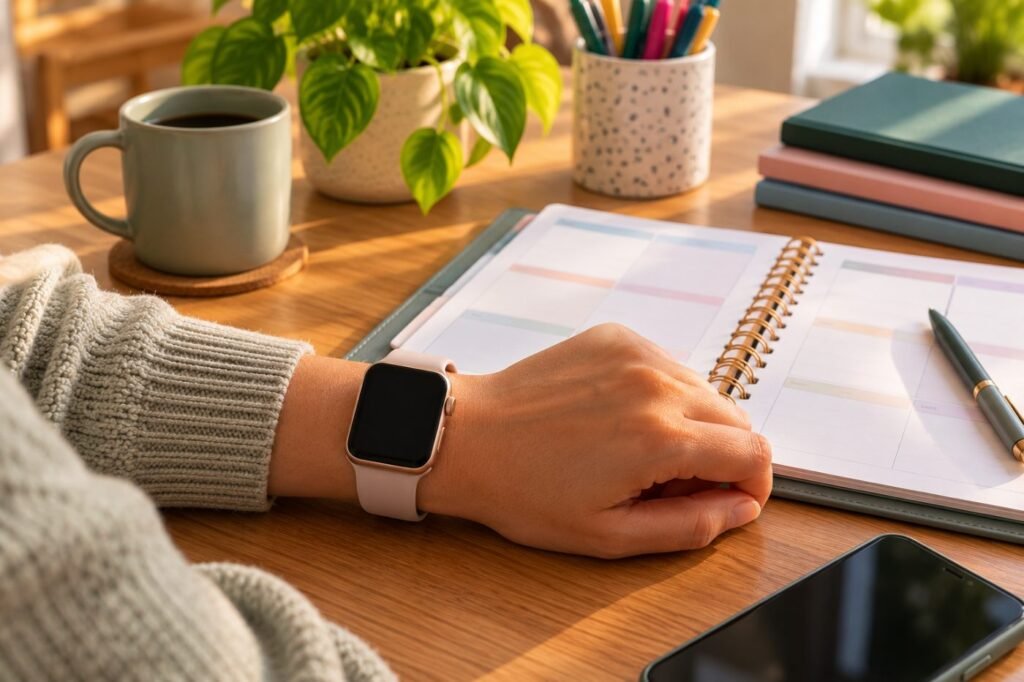
Assistive Technology for ADHD Homework
- Set a daily homework reminder at the same time.
- Use a visual timer: 15 to 25 minutes of work, then a short break.
- Put the phone in focus mode or in another room.
- Break big projects into steps with dates.
- Check off finished tasks for a sense of progress.
See also ADHD homework strategies and 504 accommodations for ADHD.
Student script
“Can I use my timer and headphones during independent work? It helps me start faster and stay on track.”
Avoiding Tool Overload
| Do | Avoid |
|---|---|
| One planner, one reminder system | Five apps that do the same thing |
| Same tools at home and school | Different systems in every class |
| Teach each tool explicitly | Handing over an app without training |
| Review weekly, then fade | Setting it up once and forgetting it |
Real-Life Example
Case story
Leo, 15, has ADHD and was losing points for late work. He chose a smartwatch with vibration reminders, one digital planner and a focus timer. His case manager taught him to enter assignments in the last two minutes of each class. Late assignments fell by 80% in one quarter, and Leo said he felt “less behind all the time.”
Related: Read assistive technology for executive function for more planning tools.
Assistive Technology for ADHD FAQ
What is the best assistive technology for ADHD?
Visual timers and reminder systems help most students, but the best tool matches the student’s main challenge.
Can ADHD tools go in a 504 plan?
Yes. Timers, headphones and text-to-speech are common 504 accommodations.
Are smartwatches allowed at school?
Policies vary; an IEP or 504 plan can allow them as assistive technology.
Do fidget tools help ADHD?
For some students they support focus; choose quiet tools and set clear expectations.
How many tools should a student use?
Few, used consistently, is better than many used occasionally.
In short: Assistive technology for ADHD makes time and tasks visible. Keep tools few, consistent and taught. This article is part of our Assistive Technology series.
Was this article helpful?
Tap a star to rate
Sources
- OSEP and OET (2024). Dear Colleague Letter on Assistive Technology
- Reading Rockets. Assistive Technology for Kids with Learning Disabilities
- OSEP and OET (2024). Assistive Technology Under the IDEA
This article is educational and does not replace professional advice.