Quick answer: Visual schedules in the classroom show students what is happening now, what comes next, and when an activity ends, using pictures, objects, or words. They are an evidence-based practice for autistic students from toddlers to young adults (AFIRM, UNC). They lower anxiety, ease transitions, and build independence for many students, including those with ADHD and anxiety.
In this guide
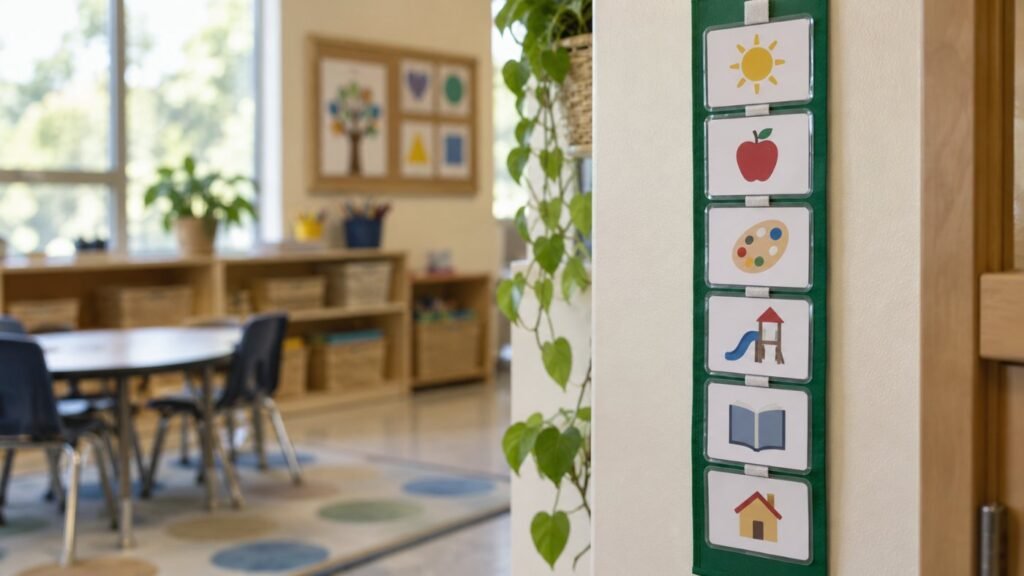
The bell rings, the class lines up for an assembly nobody mentioned, and one student drops to the floor. It is not defiance. For many neurodivergent students, an unexpected change feels like the ground moving. Visual schedules in the classroom are one of the simplest ways to make the day predictable, and one of the best supported by research.
Why Visual Schedules in the Classroom Work
The AFIRM team at the University of North Carolina lists visual supports as an evidence-based practice for autistic learners. Their 2020 review found 104 single case studies and 2 group studies supporting them, across ages from early intervention to young adults, with outcomes in behavior, communication, academics, and independence.
- Predictability: Knowing what comes next lowers anxiety.
- Processing: Pictures stay put. Spoken directions disappear in seconds.
- Transitions: Students can prepare for change instead of being surprised by it.
- Independence: Students check the schedule instead of waiting for adult prompts.
Key point: A visual schedule is not a behavior chart. It is information. Its job is to answer “what now, what next, when is it over” without words.
Fewer surprises means fewer escalations. Pair schedules with a calm corner and you cover both prevention and recovery.
Types of Visual Schedules
| Type | Best for | Example |
|---|---|---|
| Object schedule | Early learners, students with intellectual disability | A spoon means snack, a ball means recess |
| Picture schedule | Most elementary students | Velcro icons in a vertical strip |
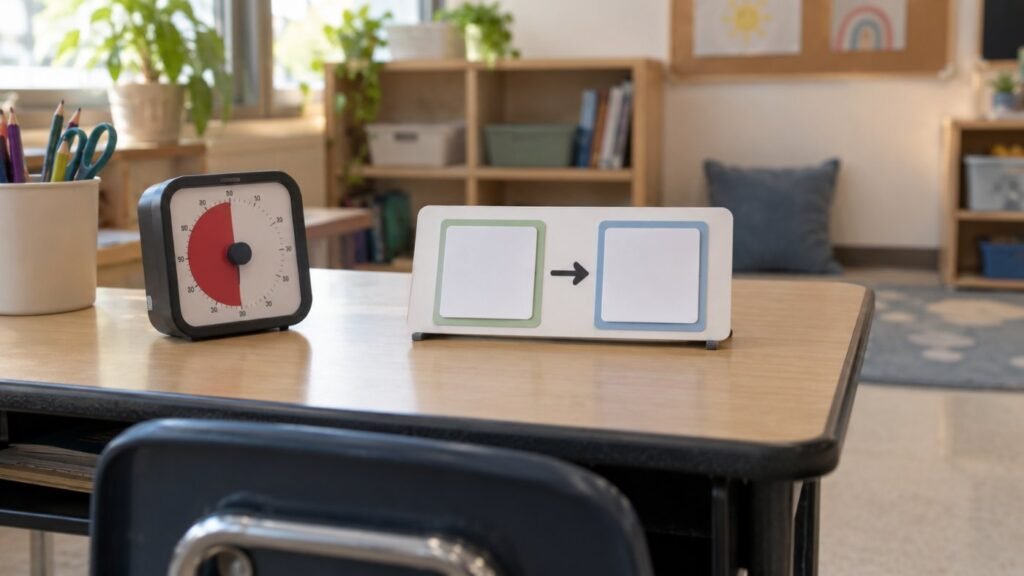
| First then board | Hard tasks, young learners | First math, then computer |
| Mini schedule | Multi-step tasks | Steps for washing hands or unpacking |
| Written or digital schedule | Readers, older students | Checklist in a planner or on a tablet |
The BERMED Setup Framework
Use this checklist when you set up visual schedules in the classroom.
- B: Baseline. Pick the format the student understands: object, photo, icon, or word.
- E: Easy to reach. Place it at eye level, where the student actually is.
- R: Routine check. Teach the student to check the schedule at every transition.
- M: Mark changes. Use a “change” card for surprises, and show it early.
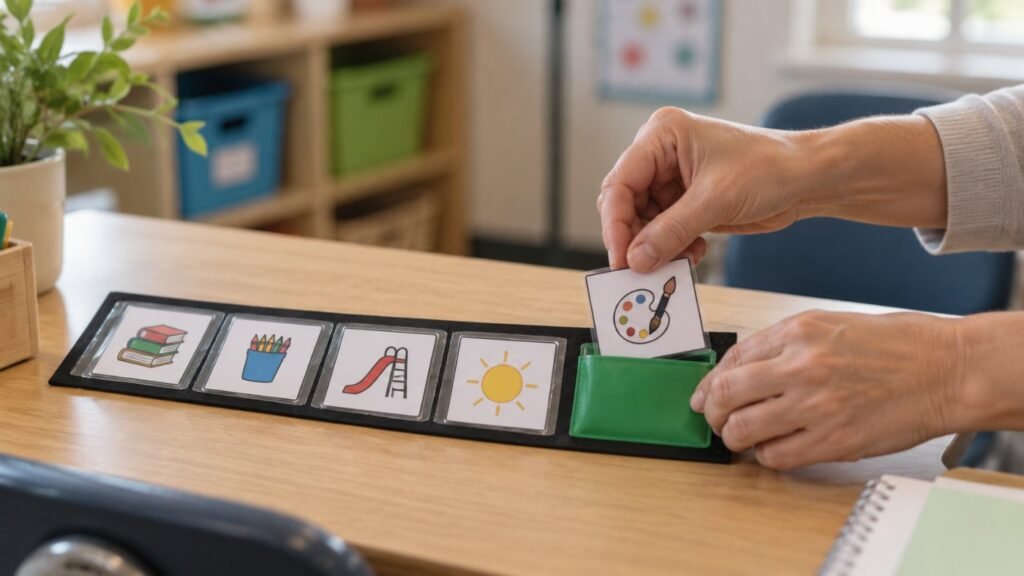
- E: End clearly. Use a finished pocket or check box so completion is visible.
- D: Develop independence. Fade adult prompts and move to written formats over time.
How to Teach a Visual Schedule
Step 1: Start short. Show two or three activities, not the whole day.
Step 2: Model it. Walk the student to the schedule, point, say the word, and go.
Step 3: Use a transition cue. A “check schedule” card or chime signals that it is time to look.
Step 4: Mark finished. The student moves the card to “finished” or checks it off.
Step 5: Fade support. Reduce prompts from hand-over-hand to pointing to none.
Common Mistakes With Visual Schedules
Do
- Keep it updated every day
- Show changes before they happen
- Include breaks and preferred activities
- Use it all day, not only on hard days
Avoid
- Using the schedule as a threat or reward
- Too many pictures at once
- Posting it where the student cannot see it
- Removing it as soon as things go well
For students with a PDA profile, a schedule can feel like a list of demands. Offer choice on the schedule, use neutral language, and let the student help build it. See PDA IEP planning. For students who are both autistic and ADHD, read AuDHD in the classroom.
Schedules also work well as written accommodations. Our list of executive function accommodations shows how to phrase them in an IEP.
At Home: Bringing Schedules Home
- Use the same icons as school for consistency.
- Start with one routine, like mornings or bedtime. Our guide to sleep problems in autistic children includes a bedtime schedule.
- Use photos of your own home and objects for younger children.
- Let your child move or check the cards.
When things still fall apart: Even with schedules, big changes can overwhelm. Know the signs of autistic meltdowns in the classroom and how to respond calmly.
What is a visual schedule in the classroom?
A visual schedule uses objects, pictures, or words to show the sequence of activities, so students know what is happening now, what comes next, and when activities end.
Are visual schedules evidence based?
Yes. AFIRM at the University of North Carolina lists visual supports, including visual schedules, as an evidence-based practice for autistic learners from early childhood to young adulthood.
Who benefits from visual schedules?
Autistic students benefit most clearly, but students with ADHD, anxiety, language disorders, and intellectual disability often benefit too.
How do I introduce a visual schedule?
Start with two or three activities, model checking the schedule, use a transition cue, mark activities finished, and slowly fade adult prompts.
Should visual schedules be faded out?
The goal is independence, not removal. Many students move from pictures to written schedules or planners, which they keep using for life.
5 Actions to Take This Week
- Choose one student and the right schedule format.
- Make a 3 step schedule for one routine.
- Add a finished pocket or checkbox.
- Create a “change” card and use it for the next surprise.
- Share the icons with families for home.
Was this article helpful?
Tap a star to rate
Related teaching strategies:
Related: Learn more about assistive technology for autism and low-tech assistive technology, part of our Assistive Technology guide.
Related: New to the job? Read special education classroom schedules and classroom setup, part of our New Special Education Teacher guide.
Sources