Quick answer: Assistive technology at home helps students use the same tools for homework, communication and daily routines that they use at school. Under IDEA, a school-purchased device must be allowed at home when the IEP team decides the child needs it to receive a free appropriate public education. Families can also use free built-in tools, borrow devices from state AT programs and ask for family training, which is part of AT services. Consistency between home and school makes assistive technology at home most effective.
In this guide
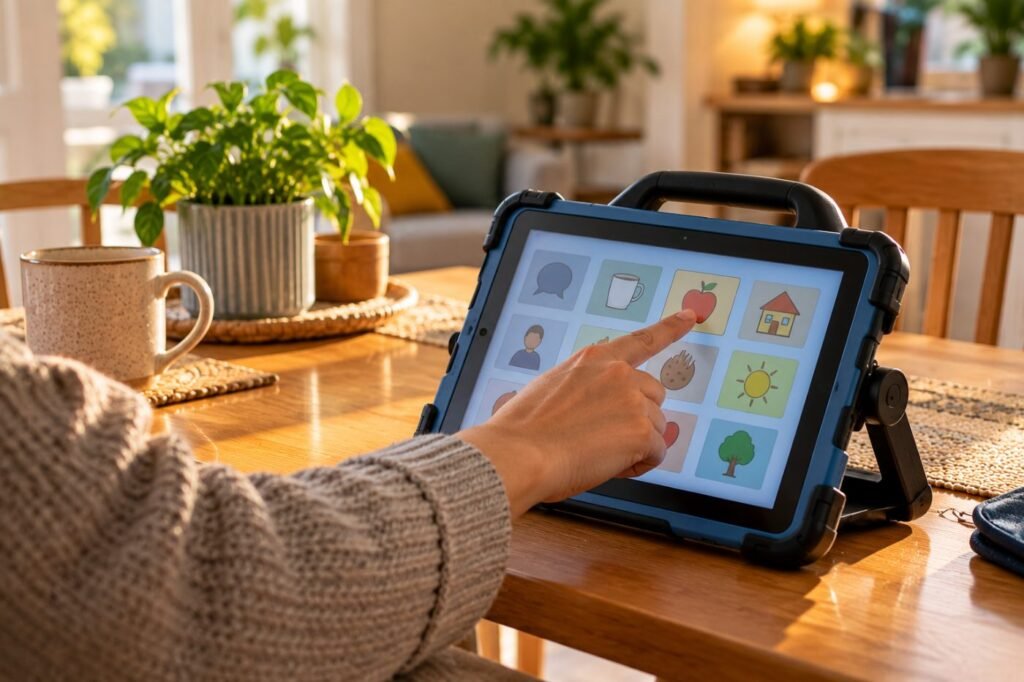
A communication device that stays in a classroom cupboard cannot help a child tell their parents about their day. A reading tool used only at school leaves homework impossible. Assistive technology at home extends a student’s independence beyond the school day.
Your Rights
Getting school AT home
This follows 34 CFR 300.105(b), which addresses school-purchased devices at home on a case-by-case basis (IDEA). Training for the family can be part of AT services (Wrightslaw).
Key point: Ask for family training to be written into the IEP along with home use.
Everyday Uses of Assistive Technology at Home
| Area | Examples |
|---|---|
| Homework | Text-to-speech, voice typing, digital planners |
| Communication | AAC at meals, play, outings and bedtime |
| Routines | Visual schedules, timers, checklists for mornings and bedtime |
| Independence | Picture recipes, reminder apps, money apps |
| Leisure | Adapted switches for toys, accessible games |

A Home Routine With Assistive Technology
After school
- Use the same apps and settings as school.
- Ask teachers for vocabulary or settings updates.
- Model AAC during real activities, not drills.
- Keep a low-tech backup at home.
- Share a weekly note with school on what worked.
Parent request
“Maya’s AAC device stays at school, so she cannot communicate at home. We request an IEP meeting to discuss home use under 34 CFR 300.105(b) and family training.”
Caring for Devices
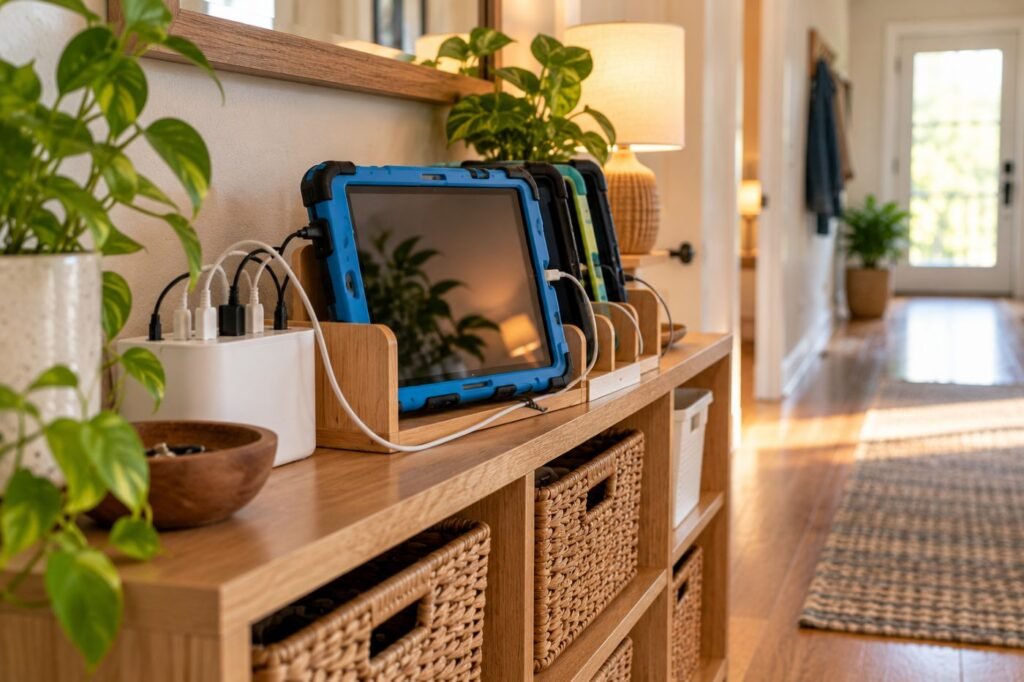
| Task | Tip |
|---|---|
| Charging | Same spot, same time every night |
| Protection | Rugged case and screen protector |
| Transport | Padded bag with a strap |
| Problems | Contact the school AT team quickly; keep the low-tech backup ready |
Real-Life Example
Case story
Maya, 8, is nonspeaking and used AAC only at school. After her parents requested home use, the IEP added the device at home and two family training sessions. Her parents began modeling at dinner and bedtime. Within weeks, Maya asked for her favorite song and told her brother “stop” during a game. Her teachers noticed faster progress at school too.
Related: See assistive technology in the IEP and free assistive technology tools.
Assistive Technology at Home FAQ
Can school devices go home?
Yes, when the IEP team decides the child needs it for FAPE.
Who pays if the device breaks at home?
Policies vary; ask the district about its device and insurance policy.
Can parents get training?
Yes, family training can be an AT service in the IEP.
What if we cannot get a school device home?
Use free built-in tools or borrow from your state AT program.
How can home and school stay consistent?
Use the same tools and settings and share a weekly note.
In short: Assistive technology at home extends learning and communication. Request home use when needed, ask for training and keep routines consistent. This article is part of our Assistive Technology series.
Was this article helpful?
Tap a star to rate
Sources
- IDEA Regulations, 34 CFR 300.105
- Wrightslaw. Can We Bring My Daughter’s AT Device Home?
- NTAC. Assistive Technology Act Programs
This article is educational and does not replace legal advice.