Quick answer: Assistive technology for physical disabilities helps students with limited movement, strength or coordination access learning, communication and their environment. Key tools include adaptive seating and positioning, adapted keyboards and mice, switches (button, pressure, lever, proximity, sip-and-puff), eye-gaze systems, voice control, page turners, adapted writing tools and environmental controls. An occupational or physical therapist usually helps choose the best access method, starting with the most reliable body movement.
In this guide
A student who cannot hold a pencil or tap a screen may still write essays, run science simulations and chat with friends. Assistive technology for physical disabilities finds the movement a student can control reliably, then connects it to the tools of learning.
Access Methods
From most direct to most adapted
Key point: Good positioning comes first. A student who is well seated and supported can access tools faster and with less fatigue.
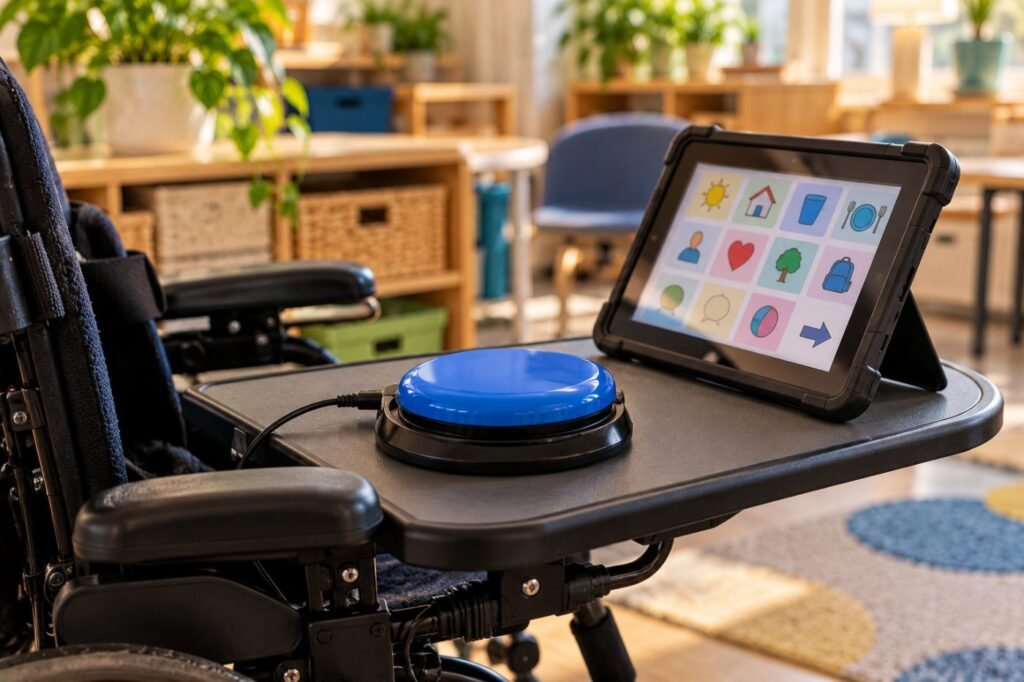
Types of Switches
| Switch | How it is activated |
|---|---|
| Button | Pressing a button |
| Pressure | Pressing on the surface |
| Lever | Pushing, pulling or pressing a lever |
| Proximity | Bringing a body part near, without touching |
| Sip-and-puff | Inhaling or exhaling into a tube |
| Eye gaze | Tracking eye movements |
The Texas Education Agency explains that switches can connect to computers, communication aids, environmental controls and toys, and can be adjusted in size, sensitivity and placement (TEA).
Classroom Setup
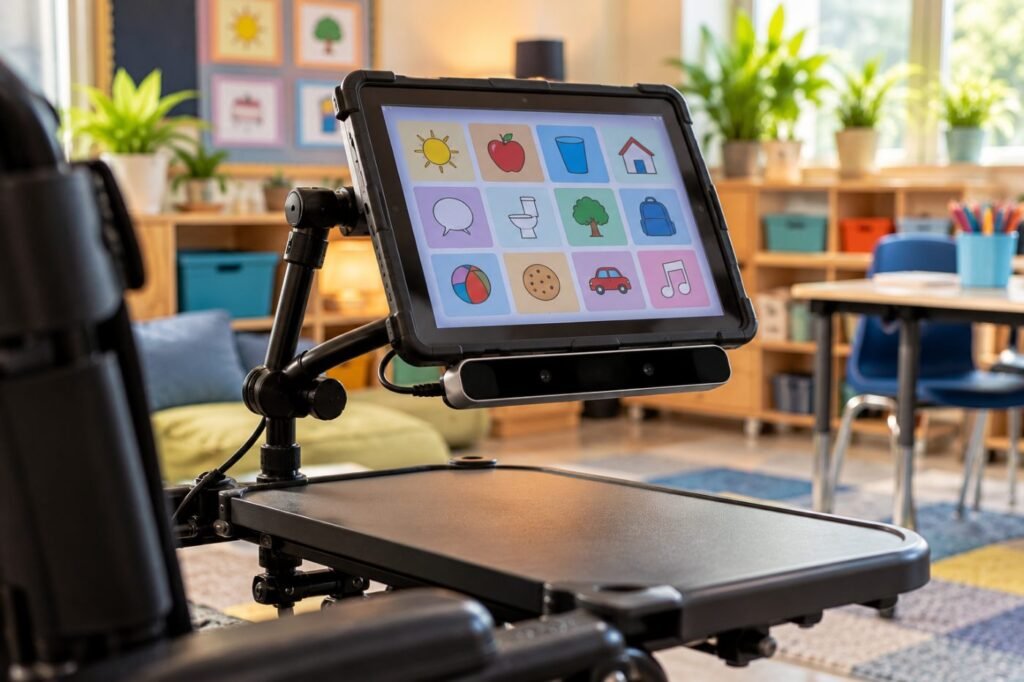
- Adjustable-height desks and good seating.
- Mounts to keep devices at the right angle and distance.
- Digital versions of all materials, with accessible formats.
- Extra time, since alternative access is slower.
- Alternative ways to show learning: oral answers, recorded responses.
- Clear plans for emergencies, transitions and fatigue.
Teacher checklist note
“Before class: switch mounted on the left side of the wheelchair tray, tablet charged, today’s worksheet loaded in the scanning app, digital copy of the reading shared.”
The Team
| Professional | Role |
|---|---|
| Occupational therapist | Fine motor, access method, writing tools |
| Physical therapist | Positioning, mobility, seating |
| Speech-language pathologist | Communication and AAC access |
| AT specialist | Device setup, training, troubleshooting |
| Teacher and family | Daily use, feedback, goals |
Real-Life Example
Case story
Tom, 13, has cerebral palsy with limited hand control. His OT found that he had reliable head movement to the right. A head-activated switch with scanning software let him write, answer quizzes and control his AAC app. With a mount on his wheelchair and extended time, Tom completed the same science unit as his classmates.
Related: Read educational management for students with cerebral palsy and assistive technology assessment.
Assistive Technology for Physical Disabilities FAQ
What is switch access?
Using one or more switches to operate a device, often with scanning that highlights choices.
What is eye-gaze technology?
A system that tracks eye movements to select items on a screen.
Who chooses the access method?
Usually the OT, PT, SLP and AT specialist with the family and student.
Can school devices be used at home?
Yes, if the IEP team decides home use is needed.
Is positioning part of assistive technology?
Yes. Seating and positioning equipment can be AT.
In short: Assistive technology for physical disabilities connects a reliable movement to learning. Position first, choose access with therapists and plan for fatigue. This article is part of our Assistive Technology series.
Was this article helpful?
Tap a star to rate
Sources
- Texas Education Agency. Adapted Switches
- New Jersey Department of Education. Assistive Technology
- IDEA Regulations, 34 CFR 300.105
This article is educational and does not replace professional advice.